
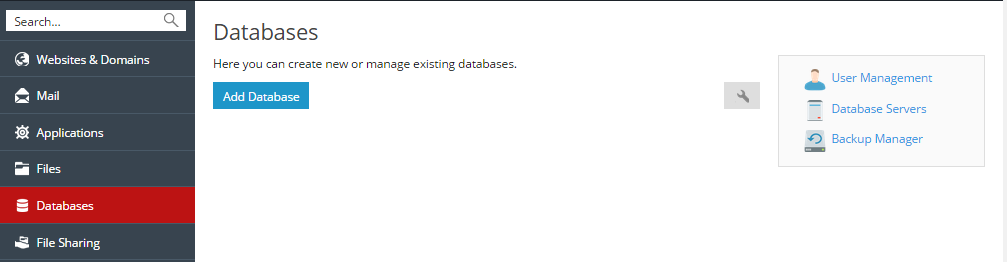
First, you will need to login to your web hosting control panel. You can create and remove databases in Websites & Domains > Databases.
You can create a database by specifying its name. If your subscription grants you the corresponding permission, you can choose a database type and the database server on which the database should be created.
You can select a website on which the database will be used in the Related site box. This is convenient if you have a lot of sites and databases because you will see which database is used by which site right on the Databases page.
A database must have at least one user account associated with it. Otherwise, it will be impossible to access the database. You can create a database user while creating a database by selecting the Create a database user checkbox. Alternatively, you can select a user later, for example, if you want to use one of the existing user accounts.
To use the database user for accessing any of your databases, select User has access to all databases within the selected subscription.
If you have corresponding permissions, you can set access control rules for a database user.

